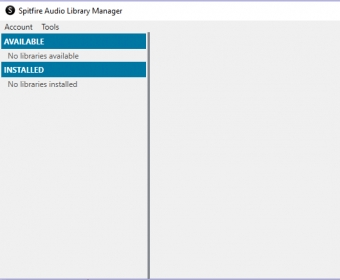
Spitfire Audio Library ManagerSpitfire Audio Library Manager
 iSkysoft DVD-Library
 Rental Property Manager
 Easy MP3 Audio Mixer
 TRACE® 700
 Windows App for WhatsApp
 Install-Block
 BARCODE
 Spitfire Audio Library Manager (LMWin.exe). Can load ‘non-Player’ libraries like our Spitfire LABS, Harp, Piano, Harpsichord, Solo Strings etc.
Take control of your non-Player library instruments, such as Spitfire LABS, Harp, Piano, Harpsichord, and Solo Strings. These instruments won’t appear in the Kontakt libraries pane since they are non-Player libraries, but they can still be accessed and used effectively within the app. Manage your downloads without hassle by simply logging in and utilizing the Library Manager.
With the Library Manager app, it’s easy to reset and re-download your entire library or the latest update. Follow simple steps to ensure everything is up-to-date and working smoothly. Whether you're managing large instrument libraries or looking to re-download specific files, this app has you covered.
Get started by logging in with your account email and password, select the download you want to reset, and follow the steps below: