CaptureScreenCaptureScreen
 MailButler
 Live Interior 3D Standard Edit
 mocha for Final Cut
 Skype Tool Pack
 MAXA Cookie Manager
 Efficient Labels
 AndyBooks
 CaptureScreen (CaptureImage.exe) free download, latest version ✅3.0, Right-click for contextual menu access.
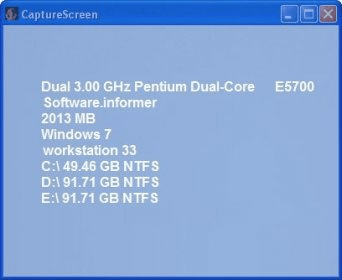
CaptureScreen is an easy-to-use application that lets you capture specific screen regions or entire windows. Whether you need a snapshot of part of your screen or a full window, CaptureScreen lets you select rectangular areas with ease. The intuitive interface allows for quick adjustments, and you can fine-tune the size of your capture with manual resizing. Hotkeys for all actions are available, and you can fully customize them through the Options menu for a personalized experience.
Although CaptureScreen doesn’t come with an image editor, it offers a variety of effects to enhance your captures. You can save your images in multiple formats, including PNG, JPG, BMP, GIF, and TIF. Once captured, your screenshot can be saved to a folder, copied to the clipboard, or printed directly. While the tool is missing features like free-hand region capture or active window capture, its simplicity and ease of use make it a handy tool for basic screen capturing needs. Best of all, it’s completely free to use!