 Desktop HunterDesktop Hunter
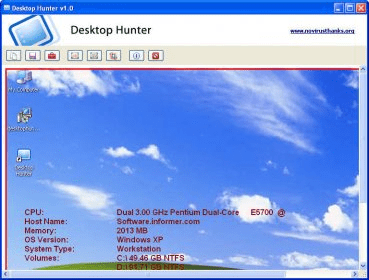
Desktop Hunter (NDHunter.exe). Desktop Hunter is a handy freeware application which allows you to easily capture the screen in many ways...
Desktop Hunter is a powerful and easy-to-use freeware tool for capturing screenshots in a variety of ways, making it ideal for both casual users and professionals alike. Whether you need to capture the entire screen, a specific region, or just the active window, this versatile application has you covered. With simple controls and flexible options, Desktop Hunter streamlines your screenshot process.
Save your screenshots in popular image formats like PNG, JPEG, BMP, and GIF, and adjust the image quality and compression settings to suit your needs. Desktop Hunter also features an autosave function, ensuring that your screenshots are automatically stored in a designated folder, without the need for manual saving. Perfect for anyone looking for a fast and reliable way to capture and save high-quality images of their screen.
 DataTrace for Windows
 Pidgin
 XPO
XPO InterActual Player
 ChemDraw Ultra
 adSage for Facebook
 drishtipaint