 VideoDriveVideoDrive
 Popcorn Time CE YIFY
 WormBlaster Software ™
 HitFilm Express
 Profit
 Shooting Star
 Smart Converter Pro
 Virtual Piano
 The latest version of VideoDrive is 3.7 on Mac Informer. It is a perfect match for Editors & Converters in the Audio & Video category.
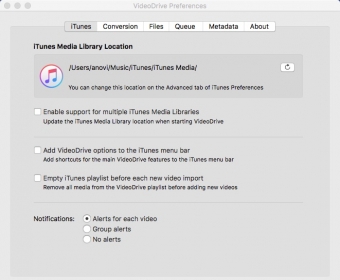
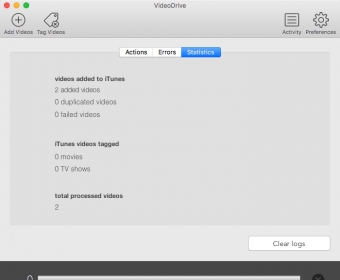
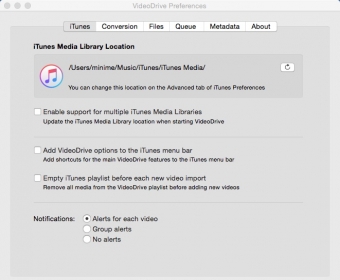
Managing movies in iTunes can be frustrating, especially with its limited format support. VideoDrive offers a simple solution, allowing you to convert and import your local movies into your iTunes library without losing quality.
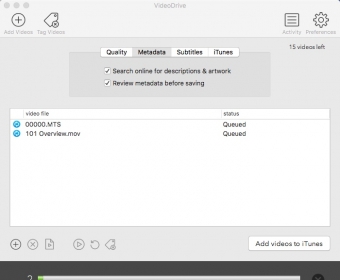
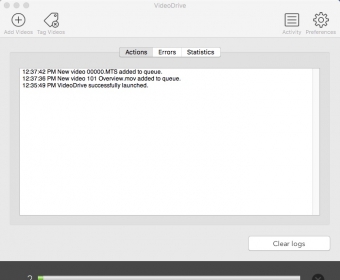
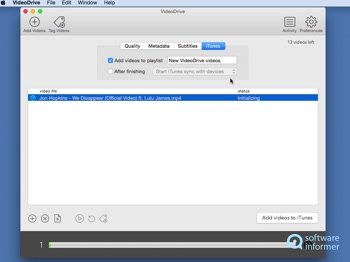
Before getting started, you'll need to follow a few easy steps. The program provides detailed instructions through a recommended website, guiding you through downloading necessary components and using Mac’s Terminal. If you're new to Mac, it may take you around 10-20 minutes to complete the setup. Once you're ready, just drag and drop your movies into VideoDrive's interface, choose your desired output settings, and hit "Add Videos To iTunes" to start the import process.
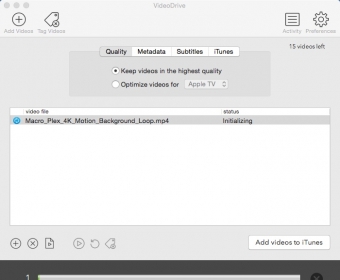
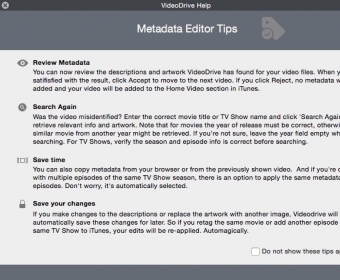
With VideoDrive, you can optimize your movies for playback on Apple devices like Apple TV, iPad, iPhone, and iPod. It also helps you find and update video metadata for a more organized library. While larger movies may take some time to import, the quality preservation and ease of use make it worth the wait.