ClipperClipper
 PRO-RT EQUITY
 Bomgar Automatic Elevation Ser
 Portfolio
 Advanced Spyware Remover
 Market Junkie
 HipHopCube
 Corel Painter 2018
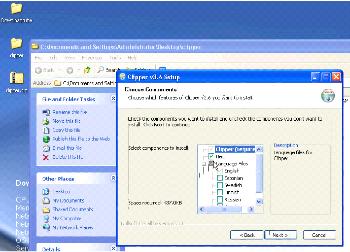
 Clipper by MMRR Software. Version: 3.6. File name: CLIPPER 7.exe
Clipper is a versatile and easy-to-use screen capture tool designed for seamless screenshot management. With automatic saving for every capture, it supports 9 different image formats, including JPEG, PNG, GIF, Bitmap, and more. A standout feature is its ability to animate GIFs and create AVI videos, making it perfect for both static and dynamic captures.
Whether you're a content creator, developer, or simply need a reliable screen capture solution, Clipper provides powerful features with a user-friendly interface. Customize your experience with hotkeys for different capture types, add text to your images, and even create automatic captures with custom delays. Plus, you can resize, crop, and organize your screenshots effortlessly, making Clipper the ideal tool for anyone who needs quick, professional results.