 PDF Snipping ToolPDF Snipping Tool
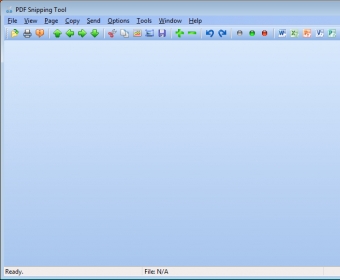
PDF Snipping Tool (PDFSnipper.exe). PDF Snipping Tool allows you to take snips/screenshots of a PDF file, rectangular area, or the entire page.
PDF Snipping Tool is a simple yet powerful tool designed to extract content from PDF documents. Its intuitive interface makes it easy for both beginners and advanced users to quickly extract text, images, or specific sections from PDFs with just a few clicks. Whether you need to copy content to the clipboard, save it as an image, or export it to other programs, this tool offers a seamless experience.
While PDF Snipping Tool allows users to snip and copy sections of PDFs effortlessly, it also supports saving documents in various formats like text files, images, or encapsulated postscript files. The program’s simple design ensures a smooth workflow, although it does have a few limitations, such as lack of support for tabs or OCR for scanned documents. Nonetheless, it’s an effective tool for users who need to extract or export PDF content quickly.
 MakeMe3D
 eReceipt
 MoneyWorks Datacentre
 FloorDesign2
 OPTAC Fleet Viewer
 iScanIt
 SalesBoost