 ApowerRECApowerREC
 CyberLink PowerCinema for TOSH
 Abacus Accounts Lite
 Xilisoft HD Video Converter
 ScreenBackTracker
 PaperMaster Pro
 Sybase PowerDesigner
 Windows XP Creativity Fun Pack
 ApowerREC (ApowerREC.exe). Creating a tutorial, grabbing a webcast, and recording a teleconference are just a few of the things you can do with ApowerREC.
ApowerREC is a powerful software that allows you to capture and record all activities on your desktop, including audio, webcam feeds, and even teleconferences. Whether you're creating tutorials, recording gameplay, or hosting a virtual meeting, this all-in-one recording tool provides everything you need to make professional-quality recordings. You can save your recordings in the media format of your choice, and even take screenshots of custom areas on your screen.
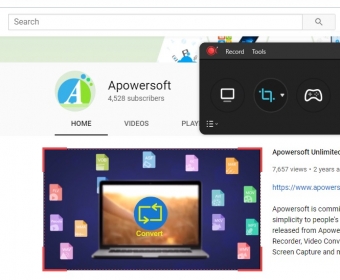
Starting a recording is a breeze. With a simple, user-friendly interface, ApowerREC opens with a large red REC button that lets you start recording instantly. You can adjust settings for video and audio quality, file formats, codecs, and more to match your specific needs. You can also customize the toolbar, webcam settings, mouse behavior, and hotkeys to enhance your recording experience.
Real-time annotations are a standout feature of ApowerREC. You can add text boxes, arrows, shapes, and freehand drawings to your video while recording, making it ideal for tutorials and presentations. Post-production editing is also available, so you can trim your videos, add intros/outros, apply watermarks, and more. Plus, you can schedule recordings and upload videos to YouTube or other platforms directly from the program.
With its intuitive interface and versatile features, ApowerREC is perfect for recording tutorials, gameplay, virtual meetings, and more. Try it out today and experience its high-quality performance for yourself!