PowerCamPowerCam
 Password Decryptor
 Free Video Cutter Joiner
 Symphony PC Suite
 Scapple
 Herschel ERP
 Postbox
 MyTexts for BlackBerry Pro
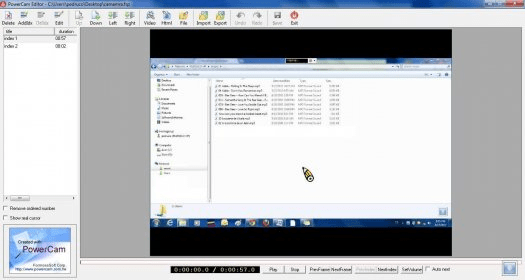
 PowerCam (PowerCam6.exe). Powercam is a very comprehensive tool intended to help you record different types of video presentations right from your desktop.
Powercam is a powerful and comprehensive tool designed for seamless video recording and presentation capturing directly from your desktop. Whether you’re creating a video presentation from PowerPoint or recording your screen’s activities, Powercam offers an all-in-one solution to make it easy to record, edit, and share your content. It supports a wide range of video formats and can even upload directly to websites like YouTube for quick sharing.
While Powercam may seem a bit complex at first glance, it provides a vast array of features that make it worth the learning curve. It caters to both beginners and advanced users, offering simple recording options for casual users and more advanced editing and export features for professionals. Whether you need to record a presentation or capture screen activities for tutorials, Powercam delivers the tools you need to create high-quality content with ease.
Recording your presentations is straightforward with Powercam. Simply click the red button on the title bar to start recording. Configure the audio settings, and your PowerPoint presentation will be recorded automatically. The recorded video will be saved in the same folder as your original PowerPoint file for easy access. Powercam also allows you to record your screen with a customizable window, capture only a specific area of the screen, or even record from your webcam for a complete multimedia experience.