 Movavi Game CaptureMovavi Game Capture
 WOLFCODERS ScreenSnag
 4Team Sync2
 Maltego CaseFile
 Shutterfly Express Uploader
 ViaCAD 2D3D 8
 Python - guiqwt
 Adobe InDesign
 Movavi Game Capture (GameCapture.exe). Movavi Game Capture can help...
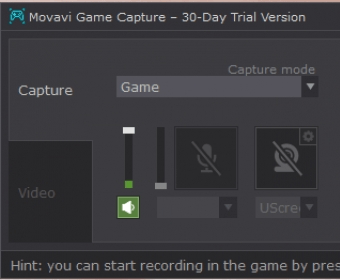
Movavi Game Capture is an easy-to-use screen recording software that allows you to capture gameplay, screencasts, and online videos. With options to record both audio and video from various sources, including your microphone and internal mixer, this tool offers a seamless recording experience. Accessible from the System Tray, you can quickly start, pause, or stop your recording sessions with custom hotkey combinations, ensuring you never miss a moment.
The app offers three versatile recording modes: screencast, online video, and game recording. The screencast mode is perfect for creating educational tutorials, as it enables you to capture specific regions or the full screen with automatic boundary detection. The online video mode allows you to record videos directly from your screen, ideal for saving content that cannot be downloaded through regular means. The game mode is optimized for recording high-quality gameplay, even when you’re playing in full-screen mode. With customizable hotkeys for starting and stopping recordings, you can focus on your game while capturing every action.
Movavi Game Capture also includes helpful features such as adding effects to your recordings, including click sounds and cursor highlights, making your screencasts more engaging. You can share your recorded videos online or convert them to various formats with ease. The app comes with presets optimized for different devices, and supports a wide range of video formats. Although it lacks basic editing tools like splitting or trimming videos, it excels in capturing high-quality recordings with customizable resolution and frame rate settings.