Capture Screenshot liteCapture Screenshot lite
 idoo File Encryption Pro
 Hide Files and Folders
 BenVista PhotoZoom Classic
 BitDefender Internet Security
 FogBugz Screenshot
 OWNR Wallet
 SimpleCoversheet
 Capture Screenshot lite (CaptureScreenShot.exe). Capture Screenshot Lite is a simple and straightforward screenshot taking application that lets you quickly...
Capture Screenshot Lite is a user-friendly app that lets you easily capture screenshots of any region, window, or the entire screen. Whether you want to take a quick screenshot or highlight specific areas, this app offers a straightforward way to do it. After capturing your screenshot, you can use the built-in eraser to delete unwanted areas, highlight important sections, or even draw on your image in various colors. Once you're done editing, you can save your screenshot in popular formats like PNG, BMP, JPG, and GIF, or share it via email or print it directly.
With its lightweight design, Capture Screenshot Lite is perfect for users who need a simple and efficient tool for screen capturing. Its clean interface makes it easy to use for beginners, ensuring that anyone can start taking screenshots with minimal effort. Despite its simplicity, it provides all the basic tools you need for basic editing tasks and offers fast screenshot capturing without unnecessary complexity.
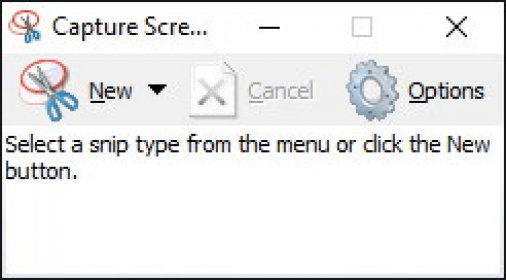
While Capture Screenshot Lite is a great free tool, it does have a few limitations. For instance, it lacks hotkey support, meaning you have to manually press the “New” button every time you want to capture a new screenshot. Additionally, it only supports four file formats (PNG, BMP, JPG, and GIF), which may be limiting for some users. However, these formats are widely compatible with most applications, making the app still very useful.
In conclusion, Capture Screenshot Lite is a reliable and efficient screenshot tool, especially for those who need a quick and easy way to capture and edit images. Despite its few limitations, its free price tag and user-friendly design make it a valuable addition to your toolkit.