 CASIO FA-124CASIO FA-124
 Artisteer
 Maltego XL
 Bentley MX
 Webmail
 F-Secure Client Security
 SoftOrbits Photo Retoucher
 MDF Viewer Tool
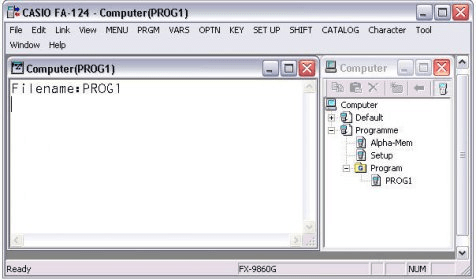
 CASIO FA-124 (FA124.exe). You can use FA-124 to develop programs using the same commands as those available on the Casio Graphic Scientific Calculator.
Effortlessly create, transfer, and manage programs for your Casio calculators with FA-124. Seamlessly move data between your calculator and PC and even capture screenshots directly from the calculator.
FA-124 lets you develop programs using the same commands found on the Casio Graphic Scientific Calculator, making it the perfect tool for students and professionals alike. Transfer data like programs, matrices, and more between your calculator and PC with ease. Whether you're working with spreadsheets or creating custom applications, FA-124 simplifies the process.
Key Features: