 JublerJubler
 Mp3Doctor PRO
 TimeMap
 ArcSoft TotalMedia Theatre
 AssetManage
 OpenProj
 Reservation Master Pro
 EncryptOnClick
 The latest version of Jubler is 8.0 on Mac Informer. It is a perfect match for Editors & Converters in the Audio & Video category.
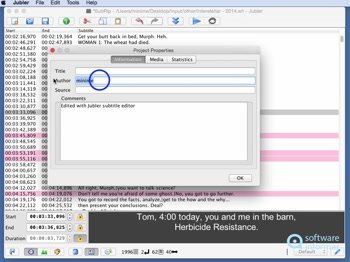
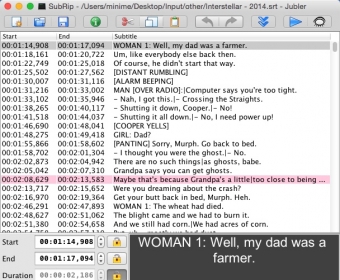
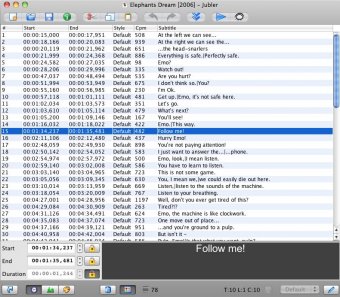
Struggling with subtitle files on your Mac? Jubler is here to help! Designed for anyone who needs to create, edit, or convert subtitles, this powerful tool offers a variety of features to make working with subtitles easier than ever. Whether you have hearing difficulties or simply want to understand content in a foreign language, Jubler provides the perfect solution for syncing, editing, and converting subtitles on your Mac.
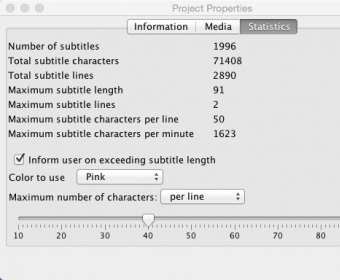
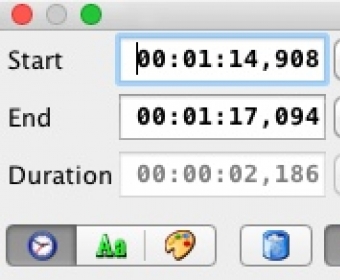
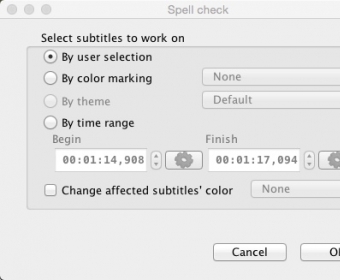
Jubler supports multiple subtitle formats, giving you the flexibility to work with a wide range of subtitle files. With its built-in editing and viewing options, it’s easy to make adjustments and fine-tune your subtitles for the perfect viewing experience. Plus, the app allows you to check if your subtitles are in sync with your video, ensuring a seamless match. Despite being a free, open-source tool, Jubler includes a spell checker and character count feature for added convenience.
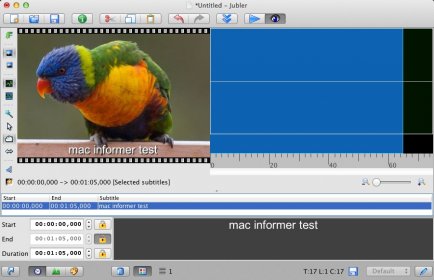
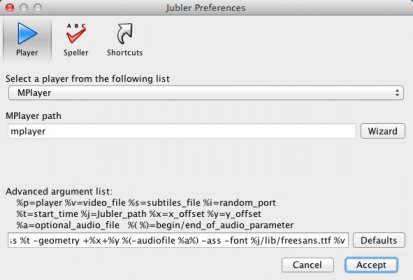
While the app requires a third-party video player to check subtitle synchronization, this tool is open-source and comes packed with features, offering an excellent alternative to the default Mac video players. Jubler’s intuitive interface and easy-to-configure settings make it a must-have for anyone working with subtitles on Mac OS X.