AudioCaptureAudioCapture
 EasyScreenOCR
 SmartPic
 KaraFun
 Tiltoria
 TurboCAD Professional
 Video Converter Master
 FlashBack Express
 The latest version of AudioCapture is 23.0 on Mac Informer. It is a perfect match for Editors & Converters in the Audio & Video category.
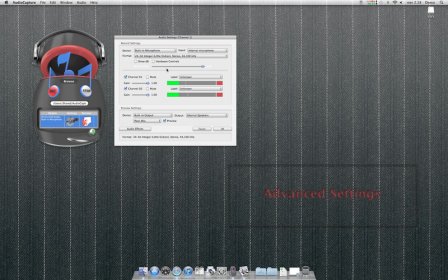
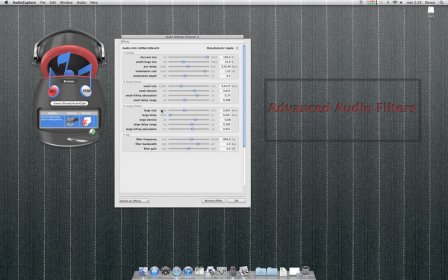
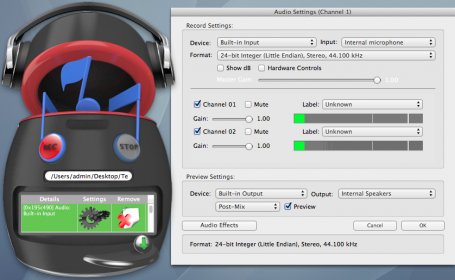
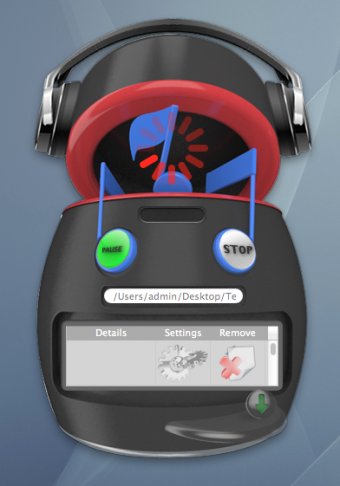
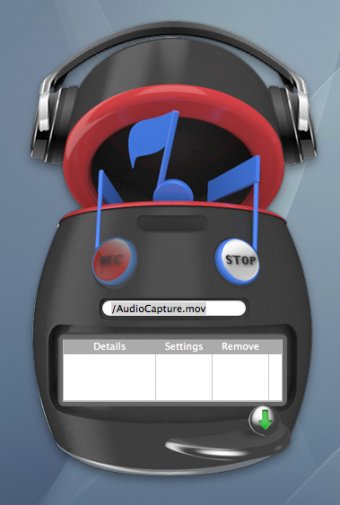
AudioCapture is an easy-to-use audio recording app offering customizable input settings for your recordings. While it supports only MOV file format output, this app provides a range of flexible features that allow users to tailor their recordings. Its simple interface is a great starting point, but some functionality could be clearer. To begin, you must first configure your input settings by pressing the button with a green down arrow. Once the settings are ready, you can hit the record button and choose a location to save the file. The process is straightforward after that, with options to pause, resume, and stop the recording as needed.
One downside to AudioCapture is that it does not automatically save your settings between sessions. This means that you’ll either need to save your configuration manually or recreate it each time you launch the app. While this is a bit inconvenient, the app does offer the option to save settings to a file, making it useful for users who need custom input setups. Keep in mind that unless you’ve installed system audio recording software like Soundflower, only your microphone’s built-in audio will be available. If you’ve already set up a more advanced audio recording app, you might find this app’s features a bit limited in comparison.
Despite these minor issues, AudioCapture is a solid tool, especially for users looking for a simple, customizable audio recording app at an affordable price.