 Qlik Sense DesktopQlik Sense Desktop
 CoolUtils Mail Viewer
 BioSearch
 PIRform
 DNxHD and ProRes Codec Compone
 Smith's Statistical Package
 MailCommunicator
 SWF File Player
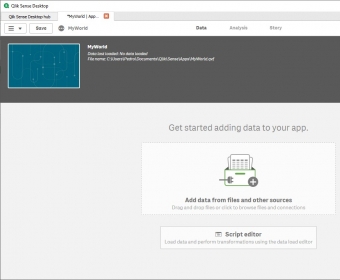
 Qlik Sense Desktop (QlikSense.exe). Qlik Sense Desktop is intended to create customized interactive data visualizations...
Qlik Sense Desktop allows you to build customized interactive data visualizations by integrating various data sources. It’s perfect for both individual users and teams, and its full potential is unleashed when working collaboratively. Whether you’re exploring data independently or sharing it with a team, this tool provides a powerful way to visualize insights in real time.
With an intuitive interface, Qlik Sense is easy to navigate, though basic business intelligence knowledge is helpful for creating meaningful apps and interpreting results. The Desktop hub offers a folder-like structure to organize your work, making it easy to share visualizations and apps with others. As soon as you open the tool, it prompts you to create a new app, so you can dive right into your data exploration without missing a step.
Qlik Sense supports a wide range of use cases, including data visualizations, reports, and dashboards. One standout feature is the ability to discover hidden patterns and relationships by simply dragging and dropping datasets. It supports various data sources like Amazon Redshift, Google BigQuery, DropBox, PostgreSQL, and Salesforce, making it highly flexible for different workflows. While you can build visualizations from scratch, there are also templates available—though customization options are somewhat limited.
For those looking to unlock its full potential, Qlik Sense offers advanced capabilities through its scripting language. The free desktop edition provides almost all the features of the paid versions, though collaboration is limited as it runs locally instead of on a server. The other editions—Enterprise and Cloud—require a paid subscription, but the free version remains an excellent tool for individual and small team use.