Microsoft Visual Studio CodeMicrosoft Visual Studio Code
 Artensoft Photo Mosaic Wizard
 Axicon Verifier
 Autodesk SketchBook
 The Calendar Planner
 EspressoID
 Free Clipboard Viewer
 Shade 3D
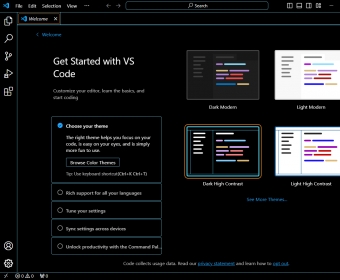
 Microsoft Visual Studio Code (Code - Insiders.exe). Visual Studio Code is a lightweight but powerful source code editor which runs on your desktop...
Free, fast, and powerful Windows code editor for web & cloud development with IntelliSense, Git support, and extension marketplace
Visual Studio Code is a free Windows code editor built by Microsoft, offering native support for JavaScript, TypeScript, and Node.js. It includes syntax highlighting, smart autocomplete with IntelliSense, and seamless tools for building modern Web and cloud applications. Developers can enhance productivity with thousands of extensions supporting C, C#, C++, Python, PHP, Go, Java, and popular runtimes like .NET and Unity.
Designed with a modern, intuitive interface, Visual Studio Code is highly customizable—personalize themes, shortcuts, and color settings for every language you code. It may occasionally feel sluggish, but its streamlined developer workflow and large community library make it a top choice for students, hobbyists, and professionals in full-stack development.
Built-in Git integration helps you manage repositories, test changes, and deploy projects directly from the editor. With advanced debugging tools, you can set breakpoints, view call stacks, and use an interactive console to troubleshoot apps in real time—without leaving the workspace.