 DFX for MediaMonkeyDFX for MediaMonkey
 188OMS ID
 MAGIX Music Maker
 Outlook4Gmail
 Frog Guard
 ProfitSource DairyQuest Consul
 Chronotron Pro
 UPC Barcode Generator
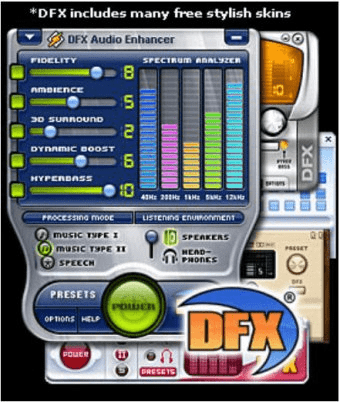
 DFX for MediaMonkey. DFX compensates for some of the deficiencies of playing highly compressed audio via a PC.
DFX elevates your PC listening experience by enhancing bass, restoring clarity, and improving overall sound quality—ideal for anyone seeking a studio-quality sound upgrade or the best PC audio enhancer. While 3D surround effects remain exclusive to the premium version, the tool still delivers a powerful boost for compressed audio.
To install, simply close MediaMonkey, download DFX, and place it in the Program FilesMediaMonkey directory. After restarting, activate it through Tools > Options > Player > DSP Plug-ins for instant, high-fidelity sound improvement.
Designed as a professional yet easy-to-use solution, DFX for MediaMonkey helps you quickly refine, enhance, and edit audio files, making it a top choice for advanced audio optimization software.