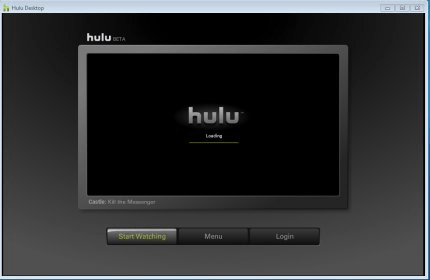
 Hulu DesktopHulu Desktop
 Revizto
 Avast Free Antivirus
 MATWorX
 iuLoan
 JCT Contracts Digital Service
 GUI for dvdauthor
 TrademarkHunter
 Hulu Desktop (HuluDesktop.exe). Hulu Desktop is the eponymous services' desktop application for Windows (there are versions for Linux and Mac OS X as well).
Hulu Desktop is the official desktop application for accessing Hulu’s content library directly on your Windows PC, with versions also available for Linux and Mac OS X. Designed for HTPC (Home Theater PC) setups, this app allows you to enjoy a smooth and convenient viewing experience. With full support for remote control functionality, browsing through shows and movies is easy, and you can control playback without ever leaving your seat.
Hulu Desktop provides a user-friendly interface that makes navigating through content quick and hassle-free. Whether you want to explore new releases or revisit your favorite shows, everything is organized for efficient access. You can even sort content by genre or trending status, making it easier to find something that matches your mood. The app is optimized for speed, so you can get to the content you want without unnecessary delays. Plus, enjoy smooth playback with minimal interruptions by adjusting the video quality according to your internet speed.
Hulu Desktop also offers high-definition streaming for select content, providing a crisp viewing experience that can often surpass traditional TV broadcasts. The app allows you to fine-tune the streaming quality to match your internet connection, ensuring smooth playback even if your connection isn’t the fastest. If you leave a video paused for a while, the app will cache it to improve playback performance when you resume. While the service is geo-restricted to the United States, users outside the country will need to bypass this limitation to access content.