
Scan to Download
App Introduction
Edit Android system properties easily with a powerful build.prop editor and advanced customization tools
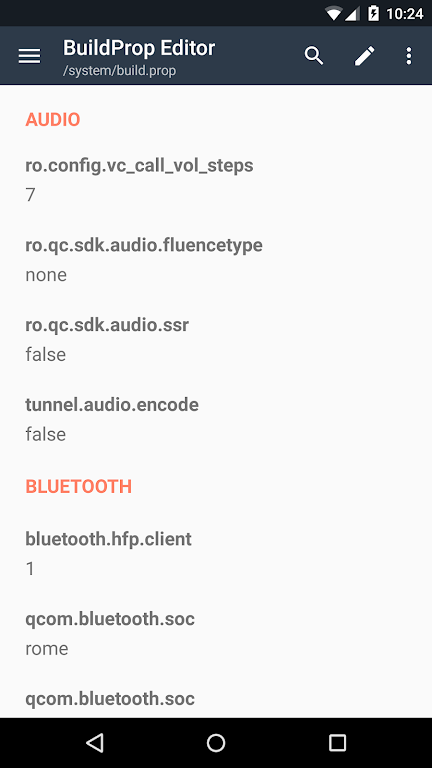
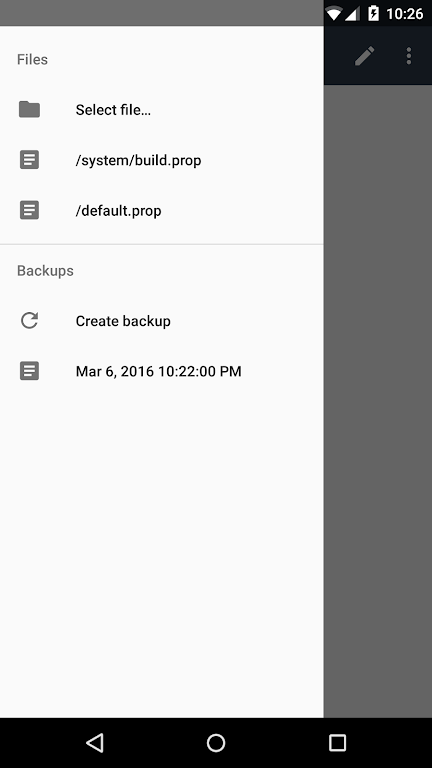
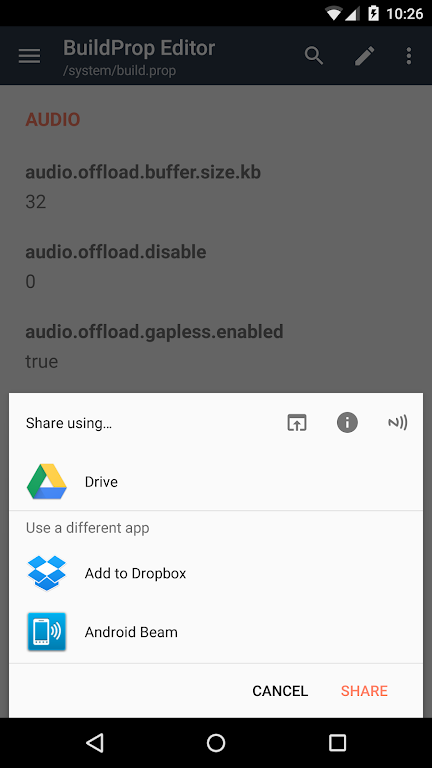
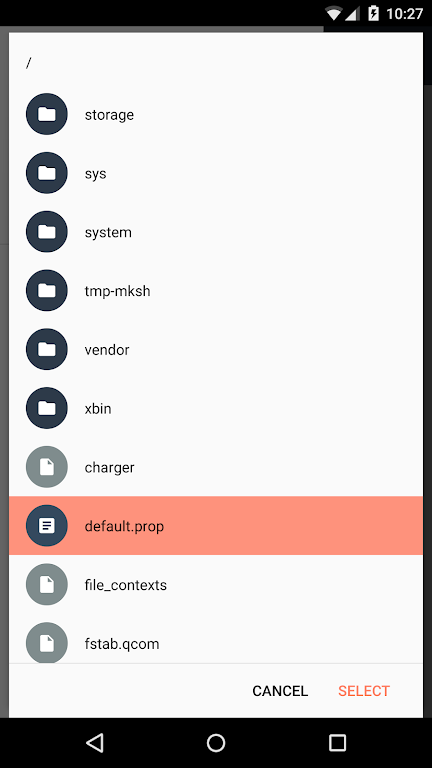
BuildProp Editor gives you a clean, material-designed interface and an intelligent code editor for safely modifying your build.prop or any other Android properties file. Designed for both beginners and power users, it helps streamline performance tweaks while keeping your device secure. This makes it an ideal Android system customization tool for users who want precise control.
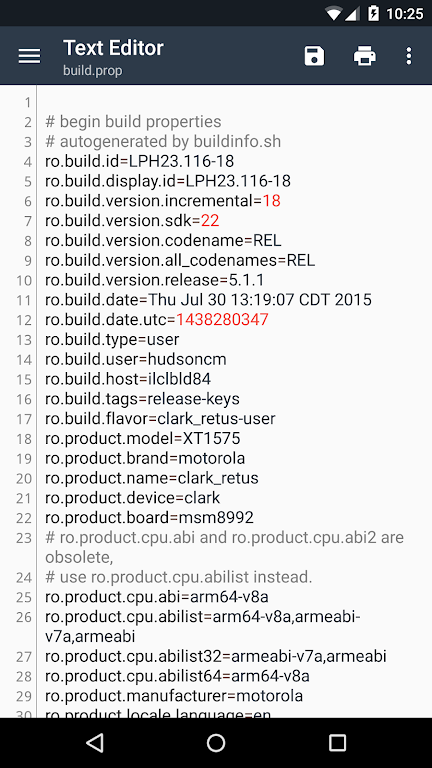
With automatic backups, syntax-highlighting, and support for multiple languages, you can confidently explore system property tweaks, follow build.prop optimization guides, and fine-tune advanced settings. Devices without root can still explore system info, while rooted users can modify values to personalize their experience.
- Top-ranked build.prop editor on Google Play
- Improve performance and customize your device with system property tweaks
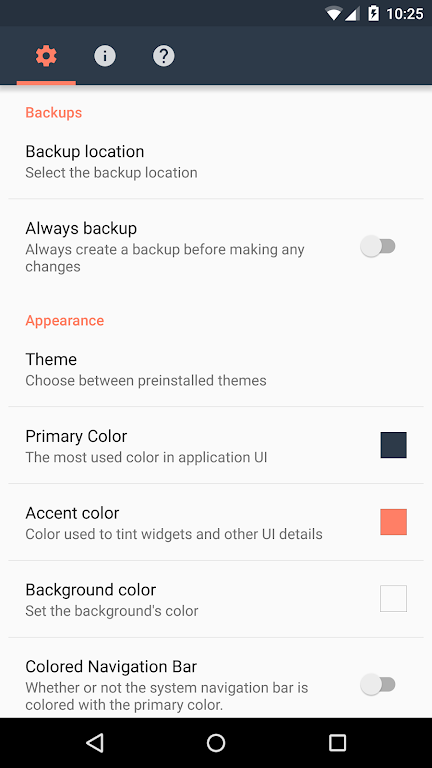
- Automatic backups before every change for total safety
- Advanced code editor with syntax-highlighting for manual edits
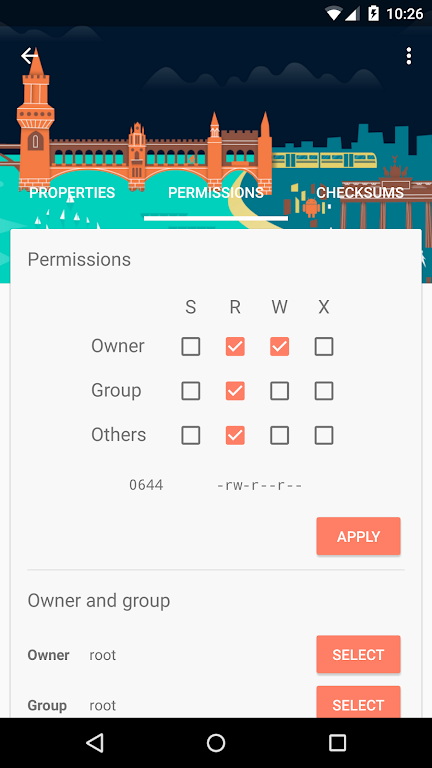
- Root file editor for power users (modifications require root; app does not root your device)
What is the build.prop file?
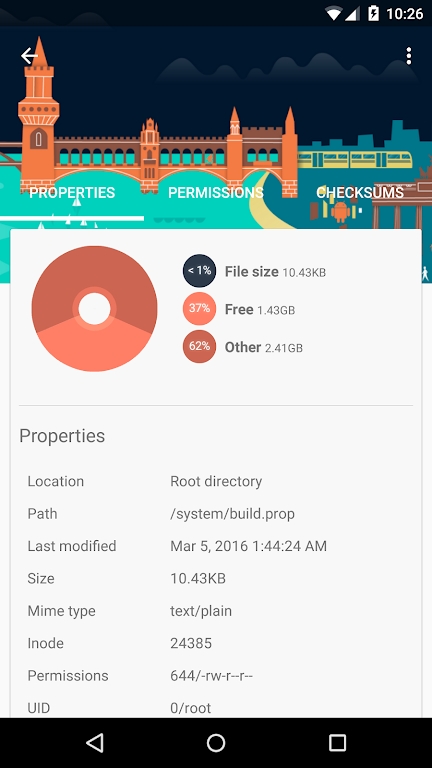
The “build.prop” file is a core Android system file containing key-value system properties loaded at boot. Located at /system/build.prop, it supports single-line comments starting with “#” and allows developers or advanced users to adjust system behavior.
What is a system property?
System properties are small name-value pairs managed by Android’s property service. All properties load during boot. Anyone can view system properties without root access, but modifying or creating new ones requires root permissions.
Common build.prop tweaks:
☆ ro.sf.lcd_density: controls display density
☆ ro.telephony.call_ring.delay: sets delay between ring notifications
☆ persist.adb.notify: shows or hides ADB debugging notification
☆ lockscreen.rot_override: enables or disables lockscreen rotation
Privacy policy: https://maplemedia.io/privacy/
Support: [email protected]
App Size: 23 MBApp Version: 2.5.1(23410)
System Requirements: AndroidUpdate Time: 2025-12-27
Language: ENDeveloper: z - Android Toolbox
Rec Apps
news
Infinity Nikki unveils its magical fairytale version 1.6, Playful Season, coming soon
12-27Watcher of Realms brings back top summoning banners and introduces new heroes in June event
12-27Meow Rangers offers auto-battling fun in the fine vein of Capybara Go, out now
12-27Roterra 6 is coming later this year for more perspective-shifting puzzle fun
12-27Marvel Snap debuts new web shop as Second Dinner set to self-publish
12-27MiHoYo to open collaboration café in Berlin, featuring immersive Genshin Impact experiences
12-27Hello Kitty Island Adventure kicks off new Paper Parade event
12-27Fallout Shelter celebrates ten years of fun with new goodies for players
12-27Chants of Sennaar, the award-winning esoteric puzzle adventure, is coming to mobile
12-27Pokémon Go introduces new hyper training and Ancients Recovered Go Pass
12-27
Hot Apps


-
1

-
2
Heroes vs Hordes: Survivor RPG
Adventure -
3
Ramon World Adventure Free
Adventure -
4
Flying Ball
Adventure -
5
Witch and Council : Idle RPG
Adventure -
6
Mimpi Dreams
Adventure -
7
Dead Trigger 2
Action -
8
Shadow Fight 2
Action -
9
Police Car Chase - Cop Games
Action -
10
archer escape
Adventure


Hot Categories
- All
- Tools
- Entertainment
- Communication
- Social
- Music & Audio
- Photography
- Video Players
- Personalization
- Productivity
- Sports
- Education
- Lifestyle
- Books & Reference
- Shopping
- Business
- Health & Fitness
- Travel & Local
- Food & Drink
- Maps & Navigation
- Beauty
- Comics
- Dating
- Events
- News & Magazines
- Weather
- House & Home
- Libraries & Demo
- Medical
- Parenting
- Art & Design
- Auto & Vehicles