
App Introduction
Powerful Backup & Restore for Android – Titanium Backup
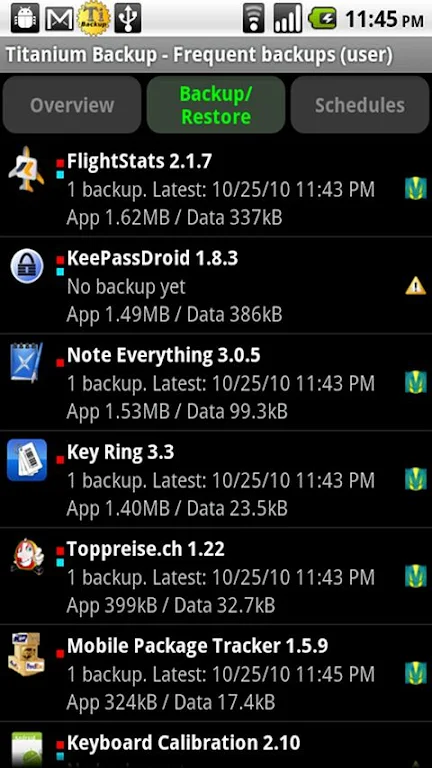
Titanium Backup is the ultimate backup solution for Android devices, offering advanced features for backing up, restoring, and managing your apps and data. Whether you're looking to protect your apps, system settings, or even external SD card data, this tool provides everything you need to ensure your Android device runs smoothly. With over 25 million users across 32+ languages, Titanium Backup is trusted for its powerful capabilities and reliability.
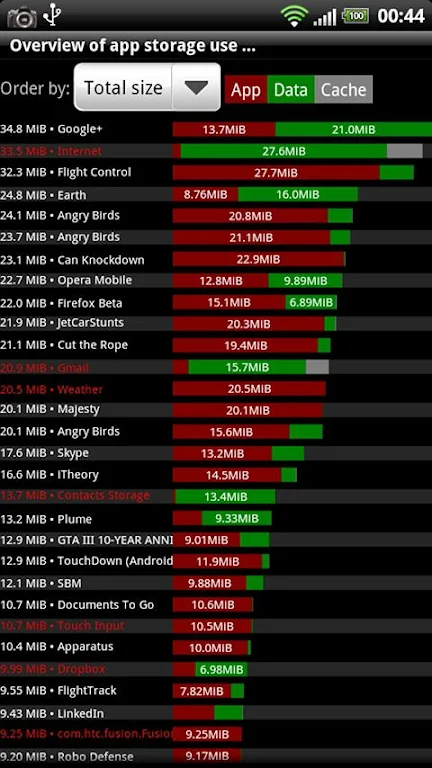
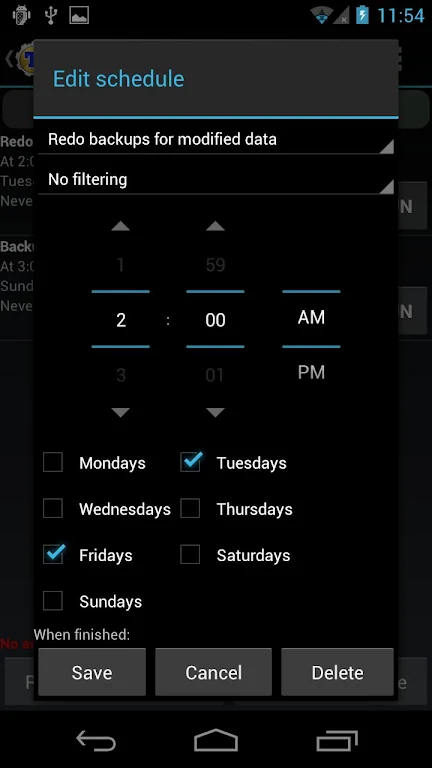
Back up your apps, game data, and system settings with ease. Schedule automatic backups, restore individual apps, and move data to/from your SD card—all with a simple tap. For enhanced functionality, the Pro version unlocks even more features, like batch restores, app freezing, and cloud sync options. Titanium Backup’s intuitive interface and comprehensive features make it the best solution for power users and everyday Android enthusiasts alike.
Key Features of Titanium Backup (Pro Version Available):
- Backup and restore apps, data, and system apps.
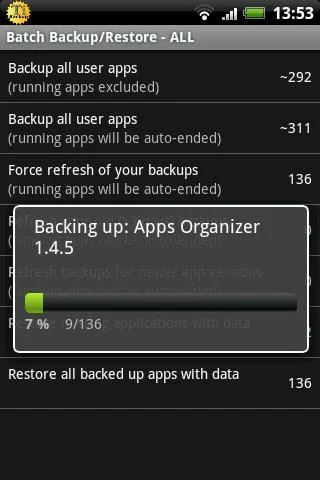
- Batch backup and restore without closing apps (Pro only).
- Sync backups to Dropbox, Box, Google Drive (manual/scheduled).
- Freezing apps to save battery and system resources (Pro only).
- Supports individual app data restoration from ADB, CWM, and TWRP backups.
Get the most out of your Android device with Titanium Backup, the most powerful backup tool available!
Pro Version Features:- 0-click batch restores and backups.
- Multiple backup options per app.
- Sync to Dropbox, Google Drive, and more (manual/scheduled).
- Restore individual apps from non-root ADB, CWM, or TWRP backups.
- Market "auto updating" manager and backup verification before uninstallation.
For more information and to watch detailed demo videos, check out the links below:
Important Notes:
- Permissions: "Internet" is used to access the Market, Dropbox, and change logs. "Accounts" is used for Market access.
- Advice: Avoid using modified versions of Titanium Backup to prevent potential issues.
App Size: 8 MBApp Version: 8.4.0.2
System Requirements: AndroidUpdate Time: 2025-12-22
Language: ENDeveloper: Titanium Track
Rec Apps
news
Pokémon Go welcomes Hisuian Lilligant to the fray on an exclusive Raid Day later this month
12-26Street Patrol Command lets you patrol the borders as a rookie cop in the 80s, coming soon to iOS
12-26Fruit Ninja Classic+ carries forward its Bluey crossover with the Sticky Gecko event
12-26PurrbitPop offers fast-paced match-3 madness with a shapeshifting twist, out now on iOS
12-26Angry Birds Bounce is out now on Apple Arcade, bringing brick-breaking action to the classic series
12-26Torerowa opens pre-registration for the isometric extraction hack 'n slash
12-26Play Together lets you bring back the prehistoric era in this massive dino-filled update
12-26Wrathbound Interactive has opened pre-registration for its high-octane, sci-fi racer, CYGRAM
12-26Mo.co is now available to play worldwide so you can ditch the invite-only FOMO
12-26Marvel Contest of Champions launches Fantastic Four-themed content to hype up the upcoming film'
12-26
Hot Apps


-
1
-
2
Robot Subdolous Ireful Inbreak
Action -
3
Heroes vs Hordes: Survivor RPG
Adventure -
4
Ramon World Adventure Free
Adventure -
5
Flying Ball
Adventure -
6
Witch and Council : Idle RPG
Adventure -
7
Mimpi Dreams
Adventure -
8
archer escape
Adventure -
9
Shadow Fight 2
Action -
10
Police Car Chase - Cop Games
Action


Hot Categories
- All
- Tools
- Entertainment
- Communication
- Social
- Music & Audio
- Photography
- Video Players
- Personalization
- Productivity
- Sports
- Education
- Lifestyle
- Books & Reference
- Shopping
- Business
- Health & Fitness
- Travel & Local
- Food & Drink
- Maps & Navigation
- Beauty
- Comics
- Dating
- Events
- News & Magazines
- Weather
- House & Home
- Libraries & Demo
- Medical
- Parenting
- Art & Design
- Auto & Vehicles