
App Introduction
Free Gamepad Keyboard for Android: Emulate Controllers & Enhance Your Gaming Experience
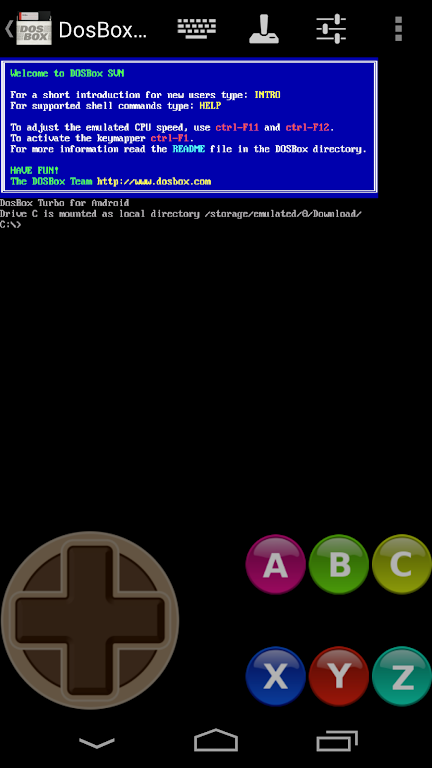
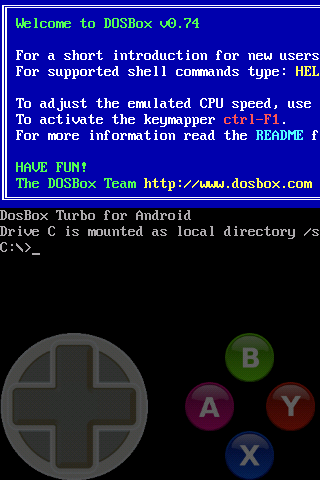
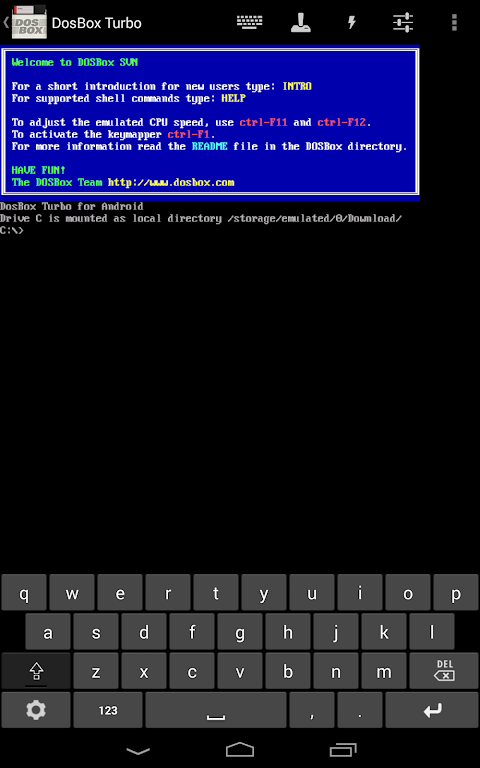
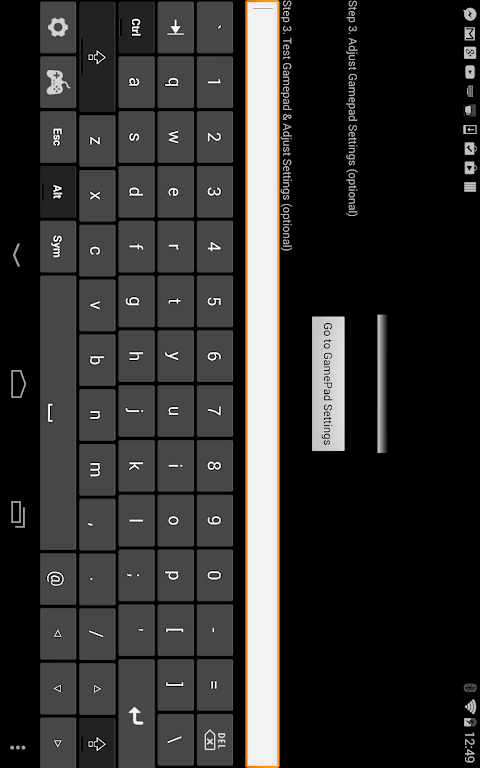
Transform your Android device into a powerful game controller with this 100% FREE Gamepad Keyboard. Emulate a D-pad, cursor keys, and additional customizable buttons for a seamless gaming experience across a wide range of Android apps and games. Perfect for use with emulators like DosBox Turbo and other Android platforms, this app delivers a versatile, user-friendly control interface that supports multiple touch gestures and re-mappable buttons.
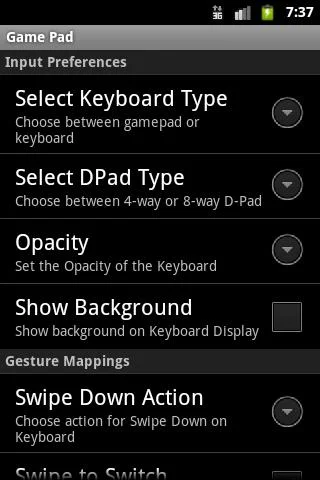
Designed to work with Android’s Input Method Framework (IME), this app allows you to map your device’s keyboard to emulate various controllers, including a true 8-way D-pad. Whether you’re playing retro games or using Android-based emulators, this Gamepad Keyboard delivers a smooth and responsive experience. It’s easy to configure, supports multiple touch gestures, and offers extensive customization options, including configurable transparency and swipe-to-switch modes.
With support for up to 6 extra mappable buttons and full compatibility with Android’s Input Method, you can enjoy a customized control setup for any game or app. Elevate your gameplay with precise, responsive controls—whether you're playing classic titles or modern Android games!
Key Features:
- True 8-Way DPad or emulated 8-way directional pad for ultimate control.
- Customizable 4 or 6 extra buttons plus a fully mappable directional pad.
- Works seamlessly with DosBox Turbo, OnLive, SplashTop, and more Android apps.
- Multi-touch capable and supports swipe gestures to switch between keyboard and gamepad modes.
- Permanent Notification feature ensures easy access to Gamepad Keyboard during gameplay.
How to Use:
After installation, enable "Game Pad" in your Android Settings > Keyboards section. Select "Game Pad" as your Input Method.
If the game or app doesn't support the Android Input Method (IME), enable the "Permanent Notification" feature in the settings. Once activated, drag down the notification area, tap the icon, and the Gamepad Keyboard will appear for seamless control.
App Size: 1 MBApp Version: 1.7
System Requirements: AndroidUpdate Time: 2025-12-21
Language: ENDeveloper: Fishstix
Rec Apps
news
Pokémon Go welcomes Hisuian Lilligant to the fray on an exclusive Raid Day later this month
12-26Street Patrol Command lets you patrol the borders as a rookie cop in the 80s, coming soon to iOS
12-26Fruit Ninja Classic+ carries forward its Bluey crossover with the Sticky Gecko event
12-26PurrbitPop offers fast-paced match-3 madness with a shapeshifting twist, out now on iOS
12-26Angry Birds Bounce is out now on Apple Arcade, bringing brick-breaking action to the classic series
12-26Torerowa opens pre-registration for the isometric extraction hack 'n slash
12-26Play Together lets you bring back the prehistoric era in this massive dino-filled update
12-26Wrathbound Interactive has opened pre-registration for its high-octane, sci-fi racer, CYGRAM
12-26Mo.co is now available to play worldwide so you can ditch the invite-only FOMO
12-26Marvel Contest of Champions launches Fantastic Four-themed content to hype up the upcoming film'
12-26
Hot Apps


-
1
-
2
Robot Subdolous Ireful Inbreak
Action -
3
Heroes vs Hordes: Survivor RPG
Adventure -
4
Ramon World Adventure Free
Adventure -
5
Flying Ball
Adventure -
6
Witch and Council : Idle RPG
Adventure -
7
Mimpi Dreams
Adventure -
8
archer escape
Adventure -
9
Shadow Fight 2
Action -
10
Police Car Chase - Cop Games
Action


Hot Categories
- All
- Tools
- Entertainment
- Communication
- Social
- Music & Audio
- Photography
- Video Players
- Personalization
- Productivity
- Sports
- Education
- Lifestyle
- Books & Reference
- Shopping
- Business
- Health & Fitness
- Travel & Local
- Food & Drink
- Maps & Navigation
- Beauty
- Comics
- Dating
- Events
- News & Magazines
- Weather
- House & Home
- Libraries & Demo
- Medical
- Parenting
- Art & Design
- Auto & Vehicles