
App Introduction
Stay in Control with the Rogers Xfinity App – Manage Your Home WiFi Anywhere, Anytime
Rogers Xfinity is here to bring you the ultimate home WiFi experience! The updated Rogers Xfinity app lets you manage and protect your WiFi network, all from the palm of your hand. Available exclusively with Rogers Xfinity plans and TV bundles featuring the Rogers Xfinity Gateway in Ontario, New Brunswick, and Newfoundland, this app ensures your home stays connected and secure.
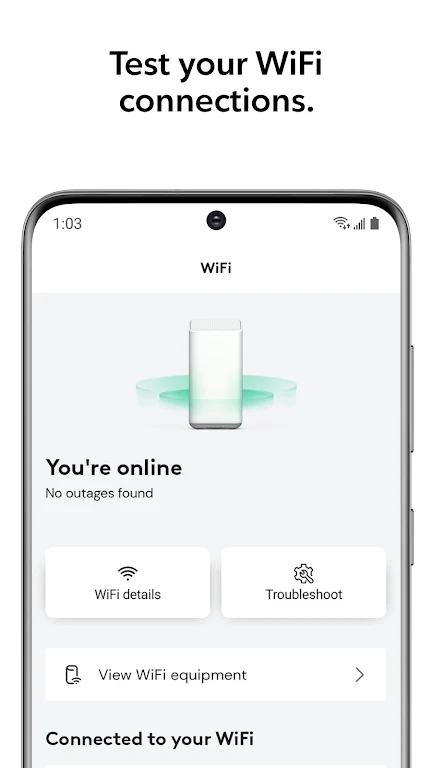
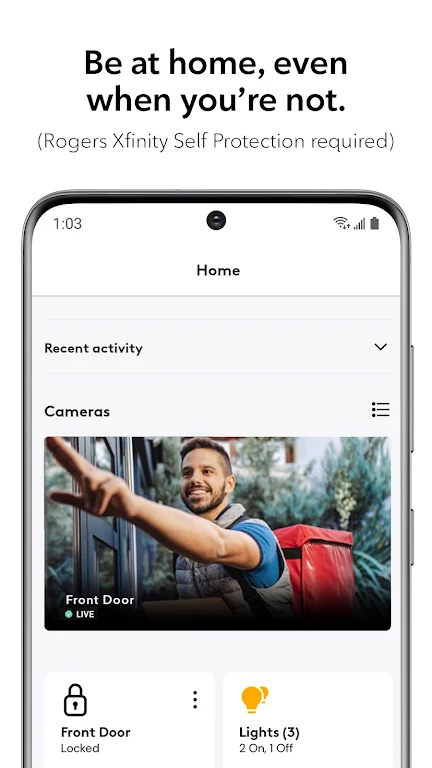
With Rogers Xfinity, you're always in control. Easily manage your WiFi settings, protect your devices, and monitor who’s online at home, all remotely. Stay connected to what matters most with peace of mind knowing your devices are protected 24/7. Whether you want to pause WiFi, test connections, or manage your smart home devices, Rogers Xfinity is the all-in-one solution for home connectivity.
With Rogers Xfinity, enjoy the most secure WiFi, advanced parental controls, and the ability to manage your home from anywhere. Plus, with features like WiFi speed testing and easy device management, keeping everything running smoothly has never been easier. Ready to get started? Download the app and experience the power of connected living!
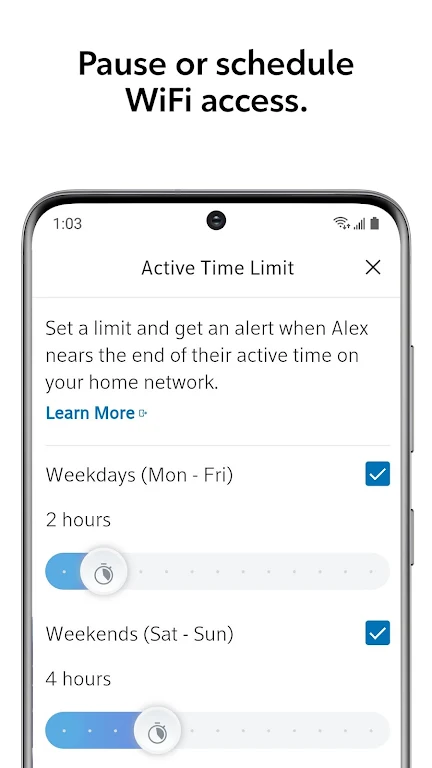
- Manage home WiFi remotely – pause, schedule, or set active time limits for better control.
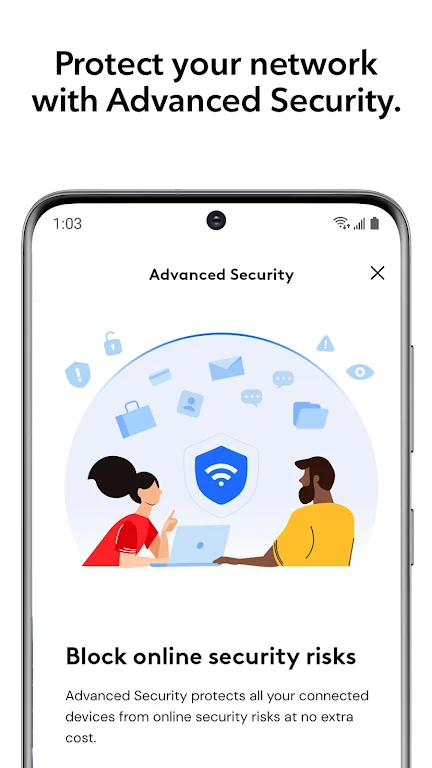
- Advanced security – protect your devices with 24/7 threat blocking and real-time alerts for suspicious activity.
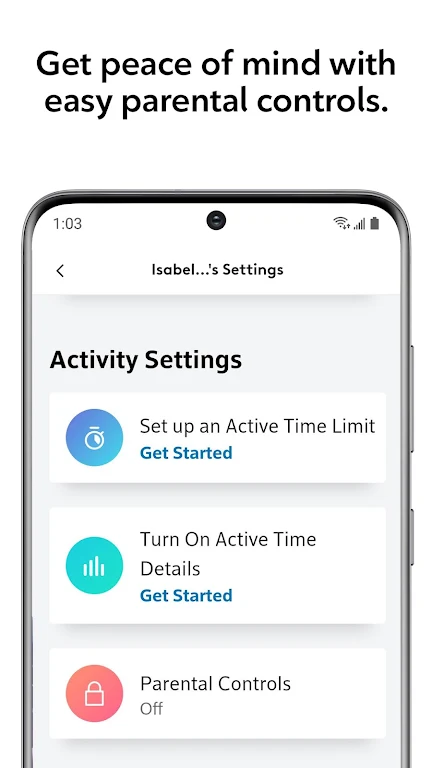
- Parental controls – activate easy-to-use settings to manage internet usage for your family.
- WiFi speed test – ensure optimal performance and troubleshoot connection issues without the need for tech support.
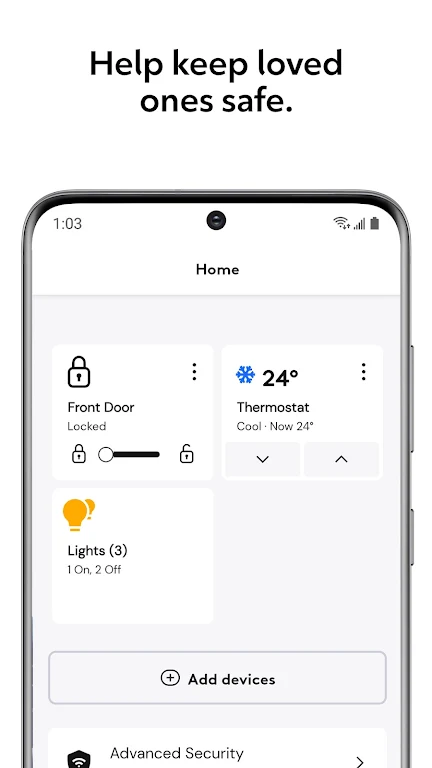
- Smart home integration – connect and control smart lighting, thermostats, and door locks from top brands directly in the app.
Getting Started:
- Not sure if you have the Rogers Xfinity Gateway? Visit rogers.com/myrogers and check under "internet."
- Download and install the Rogers Xfinity app on your smartphone.
- Sign in using your MyRogers username and password.
- Enable "Remember username" for faster sign-in next time.
Requirements:
- Rogers Xfinity Gateway (exclusively available with Rogers Xfinity Bundles and Internet packages in Ontario, New Brunswick, and Newfoundland).
- MyRogers username and password required for access.
- This app is designed for smartphone use only.
For more information, visit rogers.com/rogers-xfinity-app.
App Size: 241 MBApp Version: 5.63.1-8
System Requirements: AndroidUpdate Time: 2025-12-20
Language: ENDeveloper: Rogers Communications Inc.

Rec Apps
news
Pokémon Go welcomes Hisuian Lilligant to the fray on an exclusive Raid Day later this month
12-26Street Patrol Command lets you patrol the borders as a rookie cop in the 80s, coming soon to iOS
12-26Fruit Ninja Classic+ carries forward its Bluey crossover with the Sticky Gecko event
12-26PurrbitPop offers fast-paced match-3 madness with a shapeshifting twist, out now on iOS
12-26Angry Birds Bounce is out now on Apple Arcade, bringing brick-breaking action to the classic series
12-26Torerowa opens pre-registration for the isometric extraction hack 'n slash
12-26Play Together lets you bring back the prehistoric era in this massive dino-filled update
12-26Wrathbound Interactive has opened pre-registration for its high-octane, sci-fi racer, CYGRAM
12-26Mo.co is now available to play worldwide so you can ditch the invite-only FOMO
12-26Marvel Contest of Champions launches Fantastic Four-themed content to hype up the upcoming film'
12-26
Hot Apps


-
1
-
2
Robot Subdolous Ireful Inbreak
Action -
3
Heroes vs Hordes: Survivor RPG
Adventure -
4
Ramon World Adventure Free
Adventure -
5
Flying Ball
Adventure -
6
Witch and Council : Idle RPG
Adventure -
7
Mimpi Dreams
Adventure -
8
archer escape
Adventure -
9
Shadow Fight 2
Action -
10
Police Car Chase - Cop Games
Action


Hot Categories
- All
- Tools
- Entertainment
- Communication
- Social
- Music & Audio
- Photography
- Video Players
- Personalization
- Productivity
- Sports
- Education
- Lifestyle
- Books & Reference
- Shopping
- Business
- Health & Fitness
- Travel & Local
- Food & Drink
- Maps & Navigation
- Beauty
- Comics
- Dating
- Events
- News & Magazines
- Weather
- House & Home
- Libraries & Demo
- Medical
- Parenting
- Art & Design
- Auto & Vehicles